


Game Details


 Very Positive (97)
♂ After reviewing the game, BUY the game to support the developer
https://store.steampowered.com/app/3889480
Screenshots

About This Game
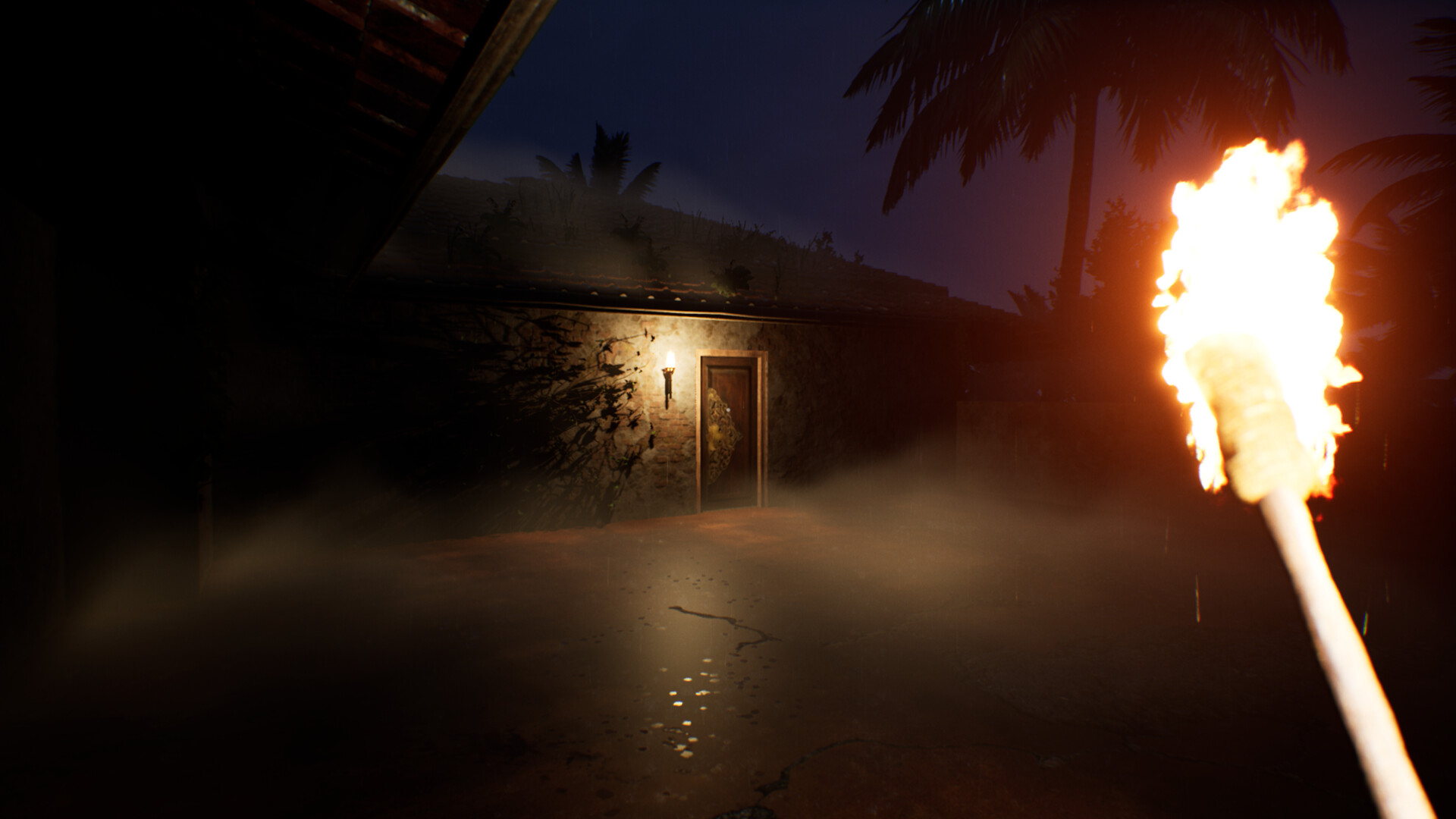
Thekku Island is an atmospheric survival adventure game set on a mysterious tropical island filled with secrets, dangers, and hidden stories waiting to be uncovered. After finding yourself stranded, you must explore the island, gather resources, and survive against the unpredictable environment. The game focuses on exploration and immersion, allowing players to uncover abandoned locations, solve environmental puzzles, and piece together the island’s mysterious past. Every area you explore reveals new clues, making the experience both engaging and story-driven. You will need to manage your resources carefully, craft useful tools, and, and hidden ruins. Survival depends on your ability to think strategically and stay alert. With its beautiful visuals, relaxing yet tense atmosphere, and exploration-based gameplay, Thekku Island offers a unique experience for fans of survival and adventure games.
System Requirements
MINIMUM:
- Requires a 64-bit processor and operating system
- OS: Windows 10 (64-bit)
- Processor: Intel Core i5-6600K / AMD Ryzen 3 1200
- Memory: 8 GB RAM
- Graphics: NVIDIA GTX 1650 / AMD RX 570 (4 GB VRAM)
- DirectX: Version 11
- Storage: 8 GB available space
Game Installation Guide
1) Download the game using a Torrent program or Direct program
2) Extract the game to your preferred location with WinRar or 7-Zip
3) Wait for the extraction to end
4) No need to install the game, just start with the LAUNCHER of the game as administrator
5) Play!
General Notes:
– Make sure you have Spacewar installed. Windows Key + R and type (steam://install/480).
– It is recommended to turn off your antivirus as some files get detected as false positive.
– In the case of an offline game, you may need to block it with firewall to prevent it from going online.
– Do not block the game with firewall if you are playing an online game with your friends.
– Turn Off your AntiVirus and Block the game’s exe in your firewall to prevent the game from
trying to go online ..
– If you install games to your system drive, it may be necessary
to run this game with admin privileges instead
– If you have a vac ban then you won’t able to play online games, create a new account if the account you gonna use have one of those.
-Need Help!! Join our server
